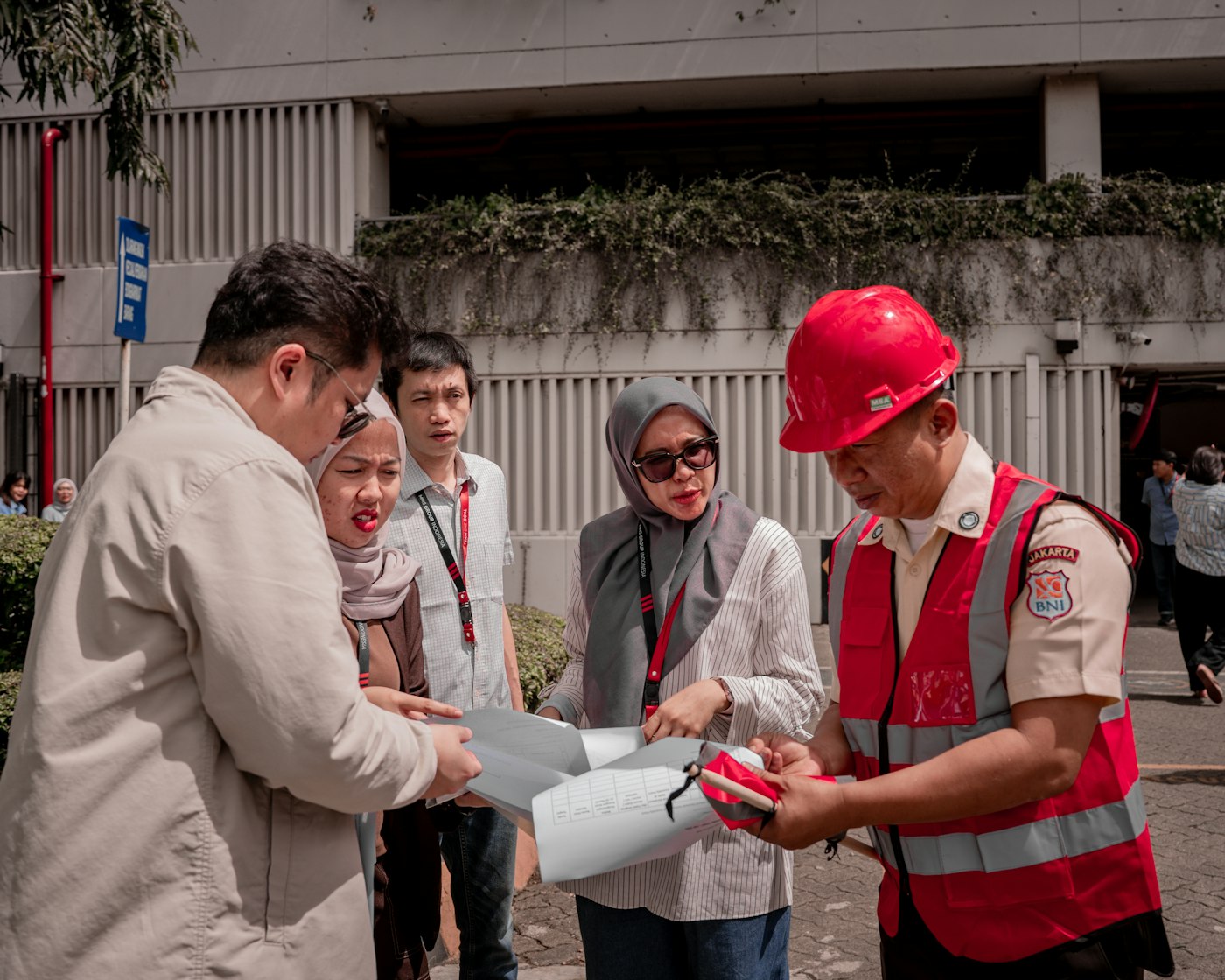
AI for construction: start with the paperwork, not the jobsite.
For general contractors and construction managers, the fastest payoff is in estimating, project documents, and the back office. Here is where to look first, and what to be careful about.
Most contractors have already started.
In the 2026 outlook survey from the Associated General Contractors of America and Sage, 61% of firms said they are using AI or plan to increase their investment in it, up from 44% a year earlier (Sage, AGC). The question has moved from whether to use it to where it earns its keep.
The time goes into finding and retyping information.
In a 2018 report from PlanGrid and FMI, respondents said they spend five and a half hours a week looking for project data such as revised drawings. The same survey attributed 26% of rework to poor communication and another 22% to poor project information (Construction Dive). Reading documents, comparing them, and drafting from them is the work AI is good at.
Seven places to start.
All of them are document work with a person checking the result.
Bid leveling
Line up subcontractor quotes scope by scope and flag what each one left out, so the estimator reviews gaps instead of hunting for them.
Spec and contract review
Ask a 1,000-page project manual plain questions: liquidated damages, allowances, unusual requirements, conflicts between sections.
Submittal registers
Pull every required submittal out of the specifications into a log, ready for the project team to check.
RFIs and change orders
Draft the question or the narrative from site notes and drawings, and find how a similar issue was answered on a past job.
Minutes, daily reports, and owner updates
Turn meeting recordings and field notes into minutes, action items, and a clean weekly update.
Invoices, pay applications, and insurance certificates
Read the document, match it to the commitment, and flag mismatches or expiring coverage before a person approves.
Proposals and qualifications
Assemble a response from past projects, resumes, and standard content, then let your team make it specific.
AI takeoffs: useful first pass, not a finished count.
Tools that read plan sets and count quantities are getting a lot of attention, and they can save real time. A 2026 study in the Associated Schools of Construction conference proceedings compared an AI takeoff tool with contractor-produced takeoffs on a live commercial project. It concluded that AI can speed up takeoff, but estimator oversight remains essential for accuracy on complex building elements (Sadeh, Geloso and Todorov). Most published accuracy figures come from the vendors themselves. Test any tool on a job you have already built before you trust it on a bid.
Check what you already own.
The platforms contractors already pay for are adding AI quickly. In May 2026 Procore introduced AI agents that check RFIs for completeness and clarity and compare submittals to the project specifications (ENR). Before buying anything new, find out what your current project management, document, and office software can do.
Set rules for client documents.
Drawings, contracts, and pricing belong to your clients and your subcontractors as much as to you. Use business accounts that do not train on your data, check what your contracts and NDAs allow, and agree which documents never go into an AI tool. Our AI policy template is a starting point.
How to start without disrupting live jobs.
Pick one workflow
Choose something repetitive with a clear owner and real volume. Bid leveling and submittal registers are common first picks.
Ask the people who run it
Before automating a process as it stands, ask what they would stop doing. The redesigned version is usually the one worth building.
Test it on a finished job
Run the tool on a project you already know the answers to, and compare. This is the only accuracy number that matters to you.
Keep a person on approval
AI does the reading and the first draft. Anything that affects cost, schedule, or safety gets a signature.
Measure, then expand
Count the hours saved and the misses caught. Then move to the next workflow.
Questions contractors ask.
Will AI replace estimators or project managers?
No. It takes the reading, sorting, and first drafts off their plate. Pricing judgement, scope decisions, and relationships with owners and subcontractors stay with your people.
Is it safe to put drawings and contracts into AI tools?
It can be, with rules. Use business accounts that do not train on your data, check what your contracts and NDAs allow, and decide which document types are off limits. Write it down so everyone follows the same rules.
Do we need new software?
Often not. Project management, document, and office platforms have added their own AI features. A good first step is finding out what the tools you already pay for can do.
Where should a general contractor start?
With paperwork that is high in volume and low in judgement: comparing quotes, building logs from specifications, drafting routine documents. The payoff is measurable and the risk is low because a person still reviews the result.
How accurate are AI takeoffs?
Fast, and improving, but not something to trust unchecked. Treat the result as a first pass that an estimator verifies, and test any tool on a completed project before relying on it.